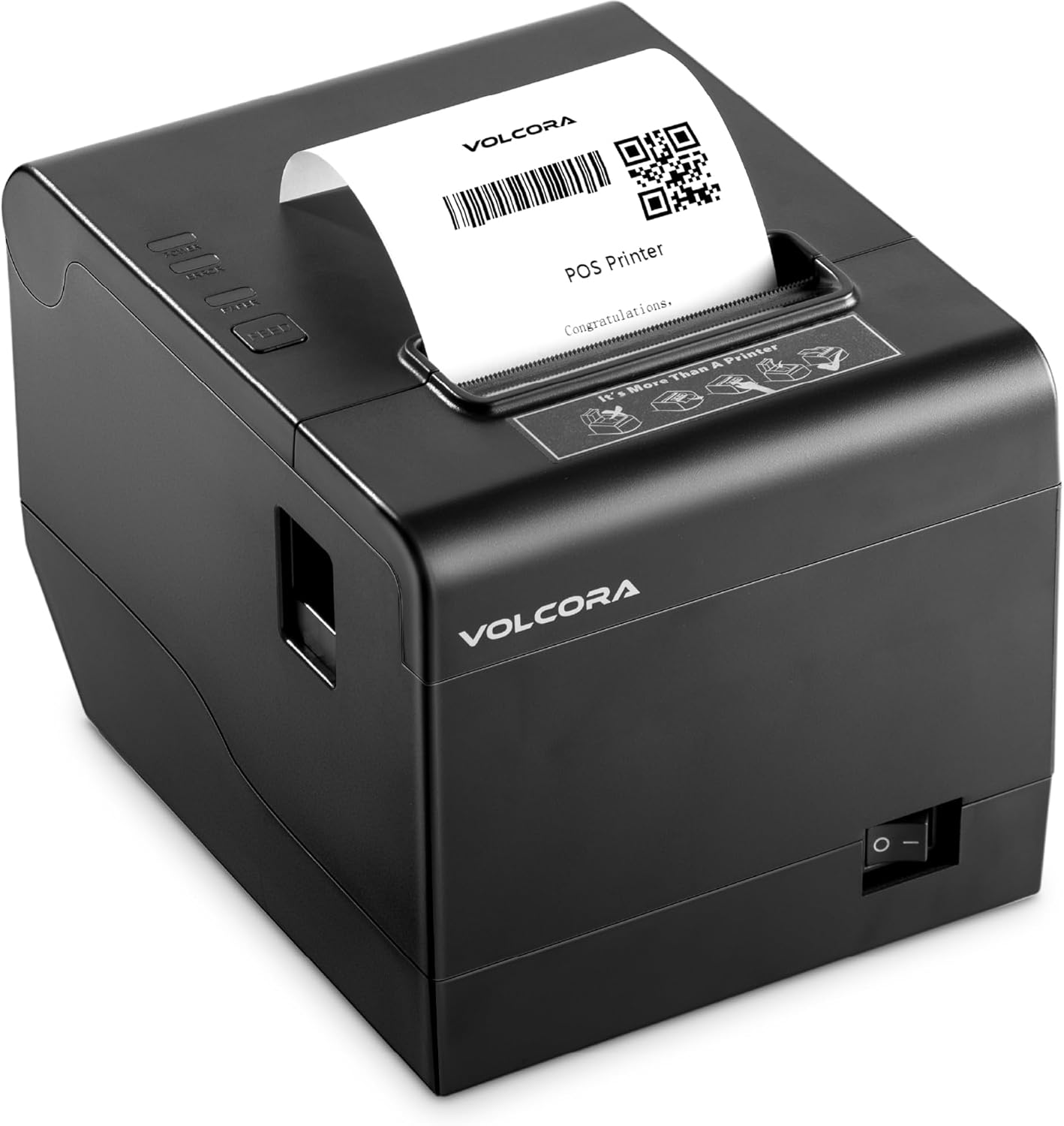
Volcora POS receipt printer
Volcora printer for POS receipts, connected by USB to the terminal with the cash drawer connected to the printer.
What it does
White Water's Volcora POS receipt printer prints customer receipts. The POS conversion connects USB B at the printer to USB A at the terminal, with the cash drawer connected to the back of the printer.
Drivers and support
Download drivers from the Volcora Support and Download Center. Select Receipt Printers, choose the model/series matching the printer's label, then select the driver for the terminal's operating system. The manufacturer also provides model-specific manuals and testing tools. This external download page requires internet access.
Guides and references
- Receipt printer or cash drawer problem
- POS and tunnel loader conversion to NXT Wash
- Everyday POS tasks and training reference
Getting help
Contact WWX Support: (401) 209-1110 or submit a ticket. Only White Water technicians contact NXT Wash. Report the location, printer model, connection, symptom and whether receipts, the cash drawer or both are affected.