POS middleware
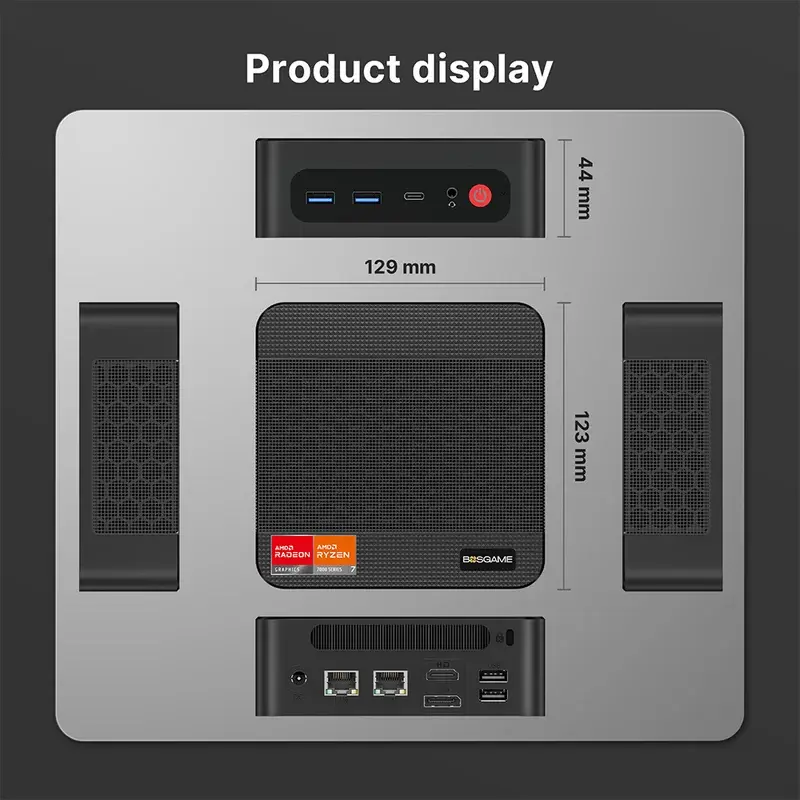
The equipment-room computer that links NXT Wash POS software with site equipment.
What it does
The equipment-room computer that links NXT Wash POS software with site equipment.
Connections and installation
The preferred address is 192.168.100.50. The illustrated setup uses power and LAN 2; display and USB ports are unused.
Guides and references
- NXT Wash equipment connections
- White Water network standard
- Middleware startup and dependency errors
Getting help
Contact WWX Support: (401) 209-1110 or submit a ticket. Only White Water technicians contact NXT Wash. Report the location, lane number, symptom, and which functions still work.
POS connection indicator
Check the POS-to-middleware status: the red Disconnected display below Scanning LP means the app is disconnected. Any other state in the open POS app means it is connected to middleware.
Middleware installer and commands
Install and commission middleware, or open the command reference for logs, service checks, updates, certificates and cash maintenance.